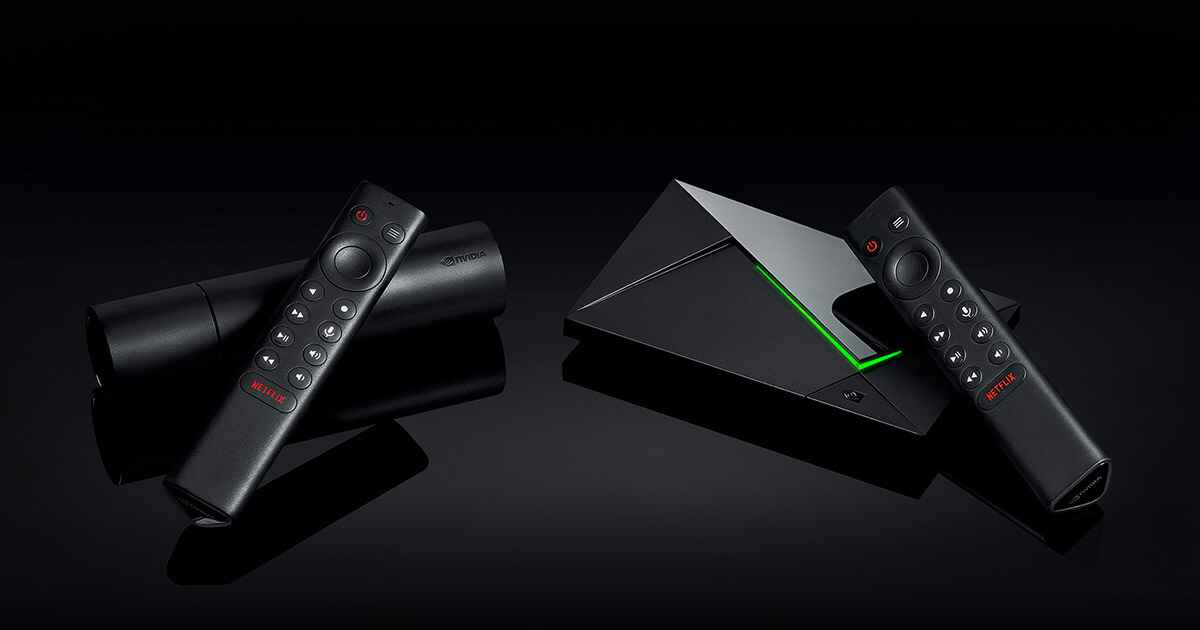
How to Install IPTV on Android Box / Nvidia Shield
- Open the Google Play Store on your Android device.
- Search for IPTV Smarters Pro or TiviMate and install.
- Open the app and select Add Playlist or Add Account.
- Choose Xtream Codes API and enter the credentials from your activation email.
- Wait for the channel list to load — you're ready to stream!