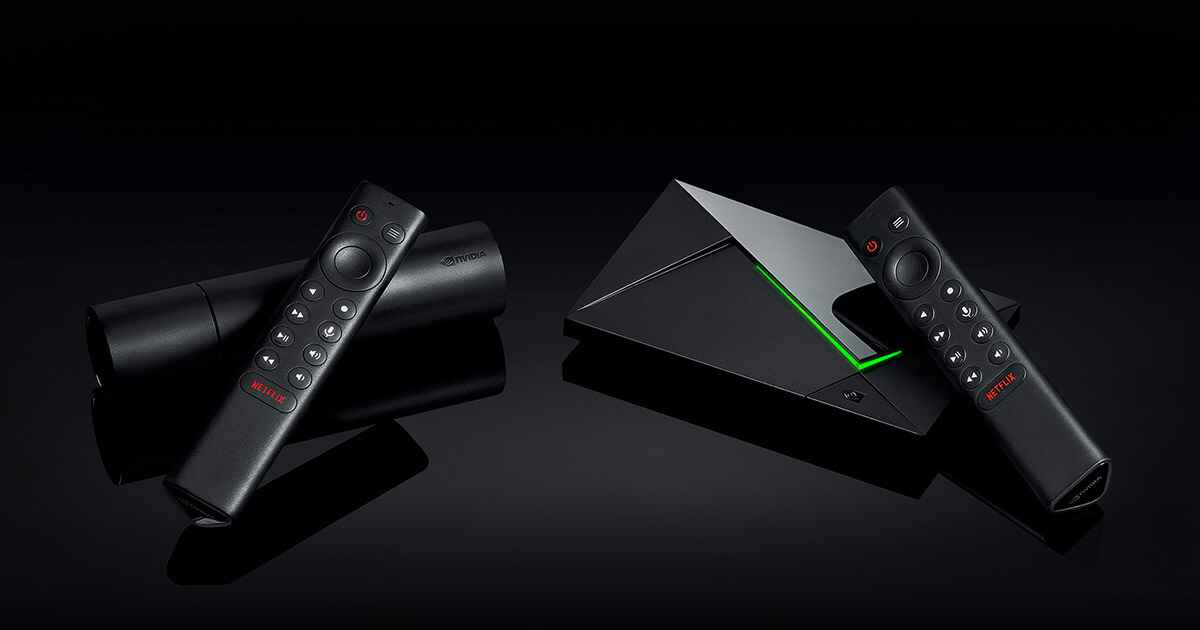
How to Install IPTV on Amazon Firestick
- On your Firestick, go to Settings → My Fire TV → Developer Options and enable Apps from Unknown Sources.
- Go back to the home screen and open the Search bar. Search for "Downloader" and install it.
- Open Downloader and enter the URL for your preferred IPTV player (e.g., TiviMate, IPTV Smarters).
- Install the APK and open the player.
- Enter the M3U URL or Xtream credentials provided in your activation email.
- Enjoy 210,841+ channels!
Need help? Our support team is available 24/7 via live chat.